
© 2026 Josh Morales. Built with .NET and plenty of caffeine. Hosted by Page Init Solutions.
A professional .NET developer, educator, creative technologist, electronic musician, and sci-fi/horror nerd.
After 20+ years of building with .NET, I'm attempting something that's proven historically tricky in the Rio Grande Valley — a local developer community. Here's why, and why you should come out next week.
A recap of my third Cyber RGV talk with a complete tour of how .NET APIs evolved over two decades, and how minimal APIs pair with Microsoft Agent Framework to make building AI apps surprisingly painless.

I found a project management tool that actually matches my workflow. Here is why Superthread was the right fit for my blog and development projects.

Find duplicate data in a production SQL table? Follow this pragmatic, real-world guide to safely find and delete those duplicate rows using a Common Table Expression (CTE), and learn how to prevent it from ever happening again with a unique constraint.

After a chaotic 2025 filled with burnout and unfinished projects, I'm reviving my blog. Here is how a late-night breakthrough and a new 'Rotating Focus' system helped me find a way back to my creative passions.
A recap of my second talk at Cyber RGV, walking through how AI integration in .NET has evolved from raw HTTP calls all the way to stateful, multi-agent workflows.
A recap of my first-ever public tech talk, given at the Cyber RGV September 2025 session. What Blazor is, what I covered, and where to watch the full recording.

I recently discovered an incredible new feature of Google's NotebookLM that can generate a conversational podcast about ANYTHING. To truly challenge it, I picked the most mundane topic I could think of: me!
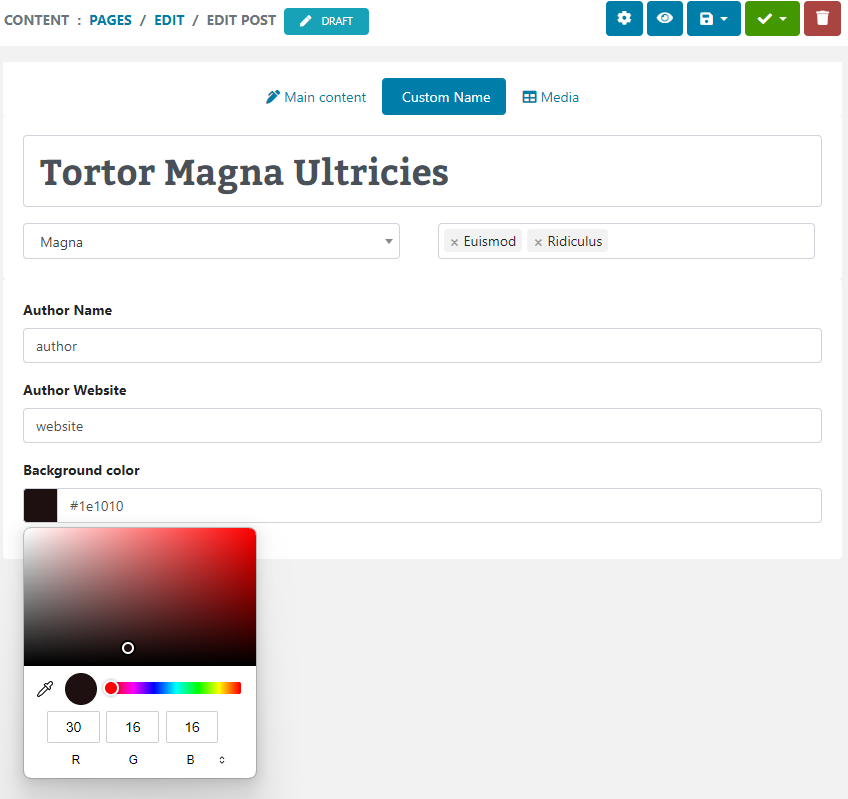
Discover how easy it is to add fields to your custom types in Piranha CMS using Regions.
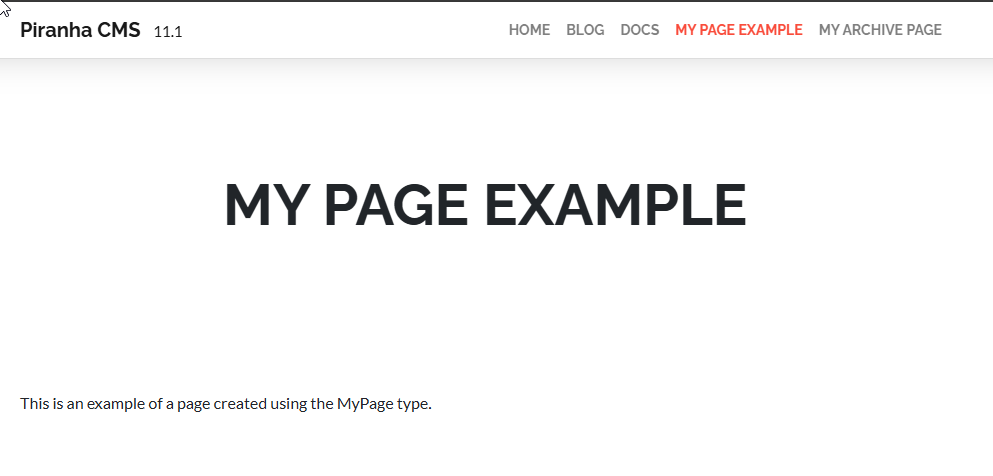
Routing your custom pages and posts to their own handlers provides a unique layout for each of your custom types.
© 2026 Josh Morales. Built with .NET and plenty of caffeine. Hosted by Page Init Solutions.